Byte Bot
Best 6

6 Best Workflow Automation Tools for Mid-Size Manufacturers (2026)

The no-code tools your operations team actually needs—evaluated for ERP integration, shop floor workflows, and the gaps between systems that drain productivity.

Hunter Goram
6 Best Workflow Automation Tools for Mid-Size Manufacturers (2026)
Best 6

About This List

TL;DR Summary

Mid-size manufacturers (100-500 employees) need workflow automation that bridges the gaps between ERP, shop floor, and office systems. Microsoft Power Platform dominates for companies already on M365. Tulip wins for shop floor digitization. Quickbase handles the operational workflows your ERP doesn't cover. We evaluated each platform for ERP integration depth, shop floor applicability, and realistic implementation for operations teams.

The Problem We're Solving

Here's what we hear from mid-size manufacturers: You have an ERP—Epicor, SAP Business One, Dynamics, NetSuite—but you're still drowning in spreadsheets. Production schedules live in Excel. Approval workflows happen via email. Someone built an Access database five years ago that nobody understands but everyone depends on.

The ERP handles transactions. But the processes between transactions? That's where spreadsheet chaos lives. ERP workflow gaps drain up to 20% of productivity through manual handoffs, ad-hoc emails, and data re-entry.

Workflow automation tools fill these gaps—without replacing your ERP or requiring a six-figure implementation.

What We Evaluated

We looked at each platform through the lens of mid-size manufacturing operations:

  • ERP Integration Depth — Can it connect to Epicor, SAP, Dynamics, or NetSuite with real-time data sync?
  • Shop Floor Applicability — Can operators use it on tablets at work stations?
  • Workflow Complexity — Does it handle multi-step approvals, conditional routing, and exception handling?
  • IT vs. Operations Ownership — Can operations managers build apps, or do you need developers?
  • Total Cost Reality — What does it actually cost when you scale to 100+ users?
6 Companies Reviewed
TOP PICK
MP

Microsoft Power Platform

Why Mid-Size Manufacturers Choose It

If you're already paying for Microsoft 365, Power Platform is the path of least resistance. Manufacturers use Power Apps to build shop floor interfaces—operators navigate to work centers, scan QR codes for inspection logs, and report machine-down status. Power Automate triggers purchase orders when stock drops, routes approvals through Teams, and syncs data between your ERP and SharePoint.

Real-World Use Cases

A food manufacturer reduced manual data entry by 50% using Power Automate to sync van sales data with inventory in real-time. Another uses canvas apps on tablets at each machine for production tracking. The sweet spot is automating the manual handoffs between systems—the spreadsheet chaos that ERP doesn't cover.

Best For: Manufacturers with 50-500 employees already on Microsoft 365 who need to automate workflows between ERP, shop floor, and office systems without a six-figure software purchase.

M365 Integration
Shop Floor Apps
ERP Connectors
Q

Quickbase

#2

Why Mid-Size Manufacturers Choose It

Quickbase sits between simple spreadsheet replacements and full ERP systems. It's designed for operations teams who need to build custom applications for work management, project tracking, and supply chain visibility. The platform handles the relational complexity that Airtable struggles with—nested BOMs, multi-tier approval workflows, and connected processes across departments.

Where It Fits

Quickbase excels at the operational gaps ERP doesn't cover—custom quality tracking, non-conformance management, vendor scorecards, and field service coordination. Manufacturers use it to replace the Access databases and Excel spreadsheets that someone built years ago and nobody understands anymore.

Best For: Operations-heavy manufacturers who've outgrown spreadsheets but don't want to customize their ERP. Particularly strong for quality management and supply chain workflows.

Enterprise-Grade
Complex Workflows
Manufacturing Templates
T

Tulip

#3

Why Mid-Size Manufacturers Choose It

Tulip is the rare no-code platform built by manufacturing people for manufacturing. Unlike horizontal tools that require you to adapt generic features to shop floor needs, Tulip starts with work instructions, machine monitoring, and quality checks. Operations engineers build apps that guide operators through processes, capture data at each step, and connect directly to equipment.

The Differentiator

Tulip connects to the physical world—barcode scanners, scales, calipers, PLCs, and IoT sensors. You can build an app where an operator scans a part, the system pulls specs from your ERP, displays work instructions, captures measurements from a connected caliper, and logs everything for traceability. This is genuine Industry 4.0 capability without custom development.

Best For: Discrete and process manufacturers who need digital work instructions, quality data capture, and machine connectivity. Especially strong in regulated industries requiring full traceability.

Manufacturing-Native
Shop Floor Focus
IoT Ready

Need workflows that connect your systems?

Talk to Our Team
#4
M

Mendix

Why Mid-Size Manufacturers Choose It

Mendix is Siemens' answer to low-code, and that pedigree matters in manufacturing. The platform handles applications that would typically require custom software development—complex product configurators, supply chain orchestration, customer portals with real-time production visibility. When you've outgrown Power Apps but don't want to build from scratch, Mendix fills the gap.

The Enterprise Angle

Unlike simpler no-code tools, Mendix includes proper SDLC controls—version control, staging environments, role-based access, and audit trails. IT departments can govern what business users build while still enabling rapid development. This matters when you're connecting to ERP systems and production data.

Best For: Larger mid-market manufacturers ($50M+ revenue) who need customer-facing applications or complex internal tools that require enterprise governance. Not appropriate for quick departmental apps.

Siemens-Backed
Enterprise Scale
Complex Logic
#5
C

Creatio

Why Mid-Size Manufacturers Choose It

Creatio bundles CRM, process automation, and low-code development into one platform. For manufacturers struggling with disconnected sales and operations processes, this integration matters. The platform handles lead-to-quote-to-order workflows, distributor management, and service coordination without stitching together multiple tools.

Where It Shines

The visual process designer lets operations managers map and automate workflows without IT involvement. You can model approval chains, exception handling, and escalation paths visually. For manufacturers with complex quote processes or multi-step customer onboarding, Creatio provides structure without custom development.

Best For: Manufacturers who need integrated CRM and process automation—especially those with complex quote-to-cash or channel management requirements. Consider if Salesforce feels too expensive or complex.

Process Automation
CRM + Workflows
Visual Designer
#6
R

Retool

Why Mid-Size Manufacturers Choose It

Retool is the tool for manufacturers who have developers (or developer-minded IT staff) and want to build internal tools fast. If you need a dashboard pulling production data from your ERP, quality metrics from a SQL database, and machine status from an API—all in one interface—Retool delivers in days instead of months.

The Technical Advantage

Unlike no-code tools that hide complexity, Retool embraces it. You write SQL queries, call REST APIs, and manipulate JSON directly. This transparency means you can build exactly what you need without fighting the platform's abstractions. The tradeoff: your operations team can't build their own tools—this is IT territory.

Best For: Manufacturers with in-house technical staff who need to rapidly build internal dashboards, admin panels, and data tools. Not appropriate for business user self-service or customer-facing applications.

Developer-Friendly
Database First
Internal Tools

Making Your Decision

Why Generic No-Code Tools Fail at Manufacturing Quoting

After reviewing the landscape, a pattern emerges. These tools were designed for different problems.

The Spreadsheet Replacement Trap

Many manufacturers approach no-code hoping to escape Excel. The result: moving spreadsheet chaos to a prettier interface. The formulas, the manual updates, the version control problems—they follow you if the underlying platform cannot handle manufacturing logic.

The Integration Problem

No-code platforms rarely integrate cleanly with manufacturing ERPs. SAP, NetSuite, Epicor, JobBOSS, Sage—these systems have complex data structures and require bidirectional sync. Most no-code integrations offer one-way triggers at best. Without real-time cost data from your ERP, quotes are guesses. Without quote-to-order sync, you re-key everything manually.

The Complexity Ceiling

No-code tools hit their limits fast with manufacturing complexity:

  • Nested BOMs where component costs roll up
  • Customer-specific pricing that overrides standard rules
  • Material cost fluctuations that change daily
  • Approval workflows based on discount percentage or total value
  • Revision tracking across multiple quote versions

Generic platforms can handle simple cases. The edge cases—which are most of your actual quotes—break the system.

When to Choose Purpose-Built Manufacturing Software Instead

No-code tools work for certain use cases. But there are clear signals that you have outgrown generic platforms.

Signs You Need Something More

  • Quote errors are costing money. If you have caught margin mistakes after orders ship, your quoting system is a liability.
  • Integrations keep failing. Zapier automations break. Data gets out of sync. Someone is manually reconciling systems weekly.
  • Your team resists the tools. They built workarounds. They use their own spreadsheets. The "official" system is ignored.
  • Quotes take too long. If responding to an RFQ takes days instead of hours, you are losing deals to faster competitors.
  • Tribal knowledge is the pricing guide. Only certain people know how to quote certain products. That knowledge walks out the door when they do.

What Purpose-Built Solutions Offer

Purpose-built manufacturing software—particularly modern CPQ (Configure, Price, Quote) systems—comes pre-wired for manufacturing complexity:

  • Calculation engines designed for BOMs and pricing rules
  • ERP connectors that actually work in production
  • Workflow logic built for engineering review and approval routing
  • Quote document generation that looks professional
  • Revision history and audit trails

What is CPQ software? CPQ (Configure, Price, Quote) software does three things: lets customers or reps configure products with valid options, calculates prices using your actual rules (customer tiers, volume breaks, material costs, margin targets), and generates professional quote documents. A manufacturer using CPQ can quote a job in 10 minutes that took 2 hours in spreadsheets—with fewer pricing errors.

How to Choose the Right Approach

Use this decision framework based on your actual situation.

Choose Generic No-Code If:

  • You have simple products with standard configurations
  • Pricing is straightforward (list price with maybe volume discounts)
  • You do not need ERP integration (or your ERP is simple like QuickBooks)
  • Quote volume is low (under 100 per year)
  • You have someone willing to build and maintain the system

Choose Purpose-Built Manufacturing Software If:

  • Products require configuration with multiple options and variants
  • Pricing involves customer tiers, material costs, and margin rules
  • ERP integration is required for costs, inventory, and order sync
  • Multiple people touch quotes (sales, engineering, approvals)
  • Quote volume is high enough that automation ROI is real (500+ per year)
  • Margin protection is a business priority

The Bottom Line

No-code platforms are powerful tools for the right problems. Simple data capture, basic workflows, internal dashboards—these use cases work. Manufacturing quoting is not that problem.

The complexity of product configuration, the nuance of pricing rules, the integration requirements with ERPs—these demand solutions built for manufacturing, not adapted to it after the fact.

Every month spent trying to make a generic platform handle manufacturing complexity is a month of quoting errors, margin leakage, and frustrated teams.

The opportunity: Purpose-built solutions exist that do not require $500K budgets or 18-month implementations. Modern headless architecture lets you add quoting automation to your existing systems in weeks, not years.

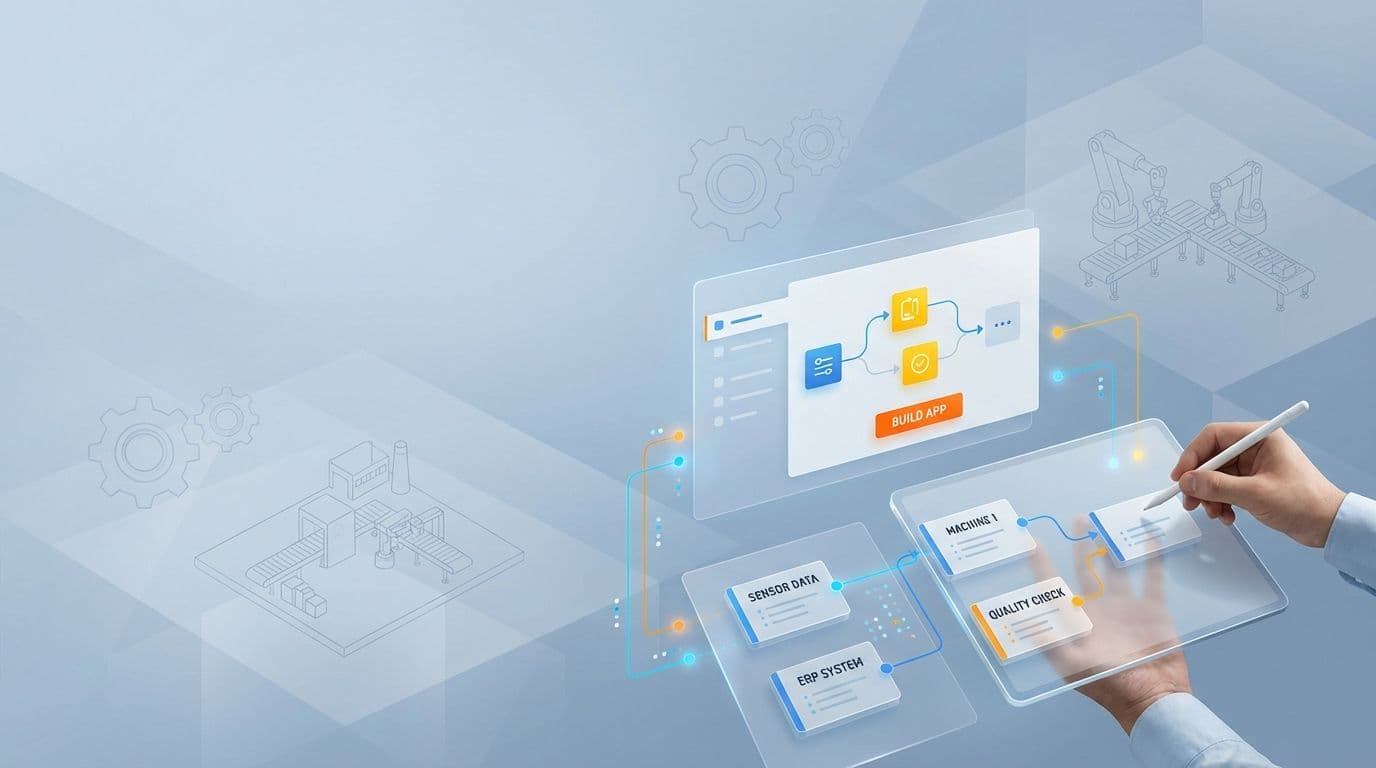
When Automation Tools Need Custom Logic

These platforms automate standard workflows. But manufacturers with complex processes often need custom integrations that connect everything. We build those.

Custom integrations between your systemsWorkflow logic built for your processEngineers who understand manufacturing